A mouse mat shouldn't be a complicated purchase. Yet search for one and you'll find everything from tiny pads barely bigger than your hand to enormous gaming surfaces that could cover most of a kitchen counter. Before you choose, it helps to ask whether you want a tidier desk or extra room for your mouse.
That's the real difference between a desk mat and a gaming mouse pad. The words overlap, but the priorities can be very different.
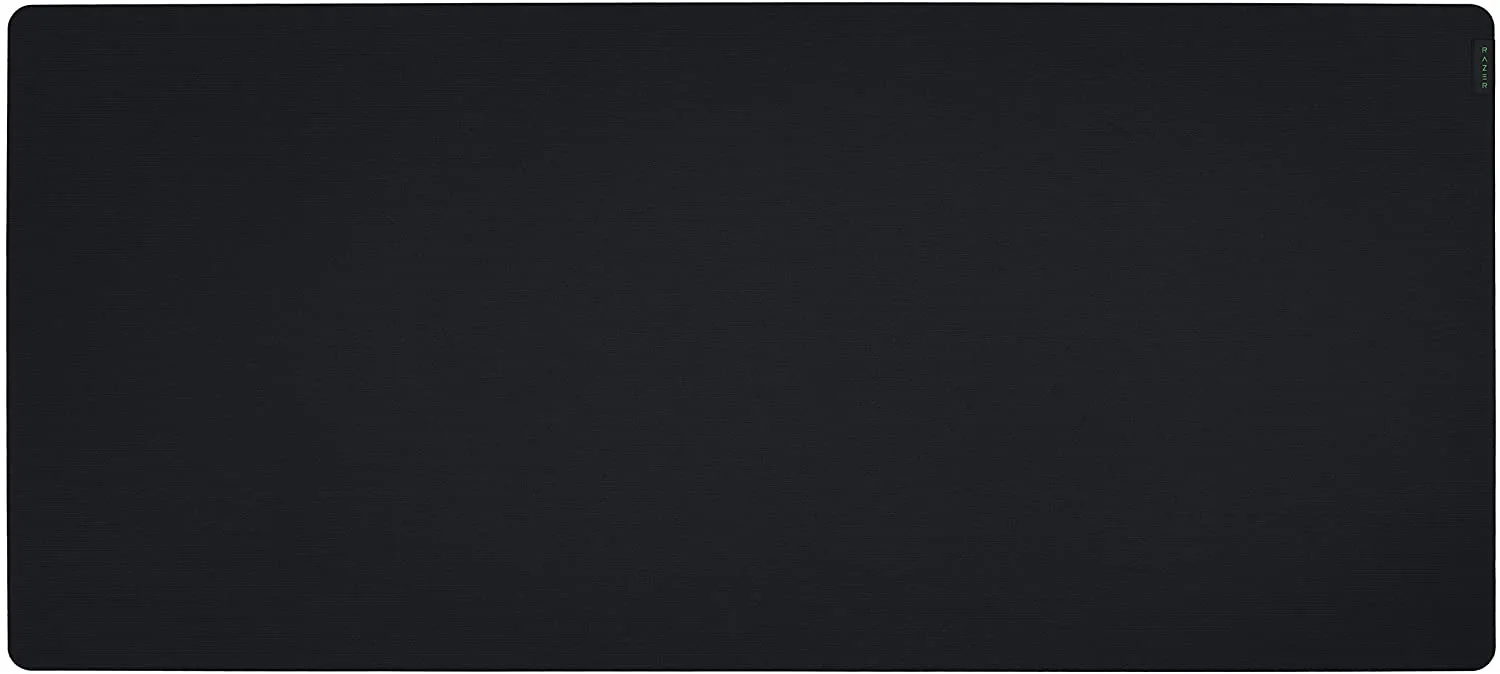
The lead photo shows the Razer Gigantus V2 3XL from our original gaming mouse-pad review, as an example of a large gaming-oriented surface. It's deliberately different from the Logitech Studio Series Lilac photograph in the companion review.
What's the difference?
A desk mat is typically designed to sit under your keyboard and mouse together. It protects the desk, gives the setup a consistent surface and often adds a colour or texture you like. A gaming mouse pad focuses more closely on how the mouse moves and how consistent that movement feels. Plenty of extended gaming pads can also support a keyboard.
Neither is automatically better. The right choice depends on how you move your mouse, how much desk space you have and whether your main activities are work, gaming or both.
| What matters | Everyday desk mat | Gaming-focused mouse pad |
|---|---|---|
| Main aim | A unified, comfortable working surface | Repeatable mouse control and glide |
| Size | Often wide enough for keyboard and mouse | Small, medium, large or extended |
| Glide | Usually pleasant and balanced | More choices for speed or control |
| Thickness | Often fairly thin | Varies, including cushioned options |
| Appearance | Colours and lifestyle finishes | Gaming branding or understated designs |
| Best for | Office work, study and casual gaming | Competitive games, larger mouse movement ranges |
Check the depth, not only the width
A wide desk mat looks generous in a product photograph, but width can be misleading. Put a full-sized keyboard on a 700mm-wide mat and the mouse has only the remaining space. More importantly, if the mat is just 300mm deep, a player who uses very low mouse sensitivity might run out of vertical movement room.
The Logitech Desk Mat Studio Series in Lilac, for example, measures 700 x 300 x 2mm. That's a sensible footprint for a regular desk, but it's not a substitute for a deeper specialist gaming surface. Our Logitech Lilac desk mat review looks at the practical trade-offs.
Before choosing, measure the clear space in front of your monitor and the area you genuinely use for the mouse, not just the total width of the desk.
Are speed and control mouse pads really different?
Yes, although marketing can exaggerate the gap. Some cloth and hybrid pads aim for lower friction and fast movement; others prioritise a more controlled, easier-to-stop feel. The mouse skates, the surface weave and even moisture can influence the result.
For browsing and office work, a normal soft cloth mat is usually fine. In competitive shooters, where you repeatedly flick and stop, a predictable surface becomes more important. You don't need to buy the most expensive pad to enjoy a game, but you should avoid assuming every attractive desk mat was designed for that task.
Think about comfort and maintenance
Raised stitched edges, poor rubber grip or a curled corner can be more irritating than a theoretical glide difference. Look for a base that doesn't creep, comfortable fabric and stitching that won't rub your wrist. If you drink at the desk, a wipeable or spill-resistant finish is useful.
Colour matters here too. Light lilac or cream can brighten a workspace but show dust and marks more easily. A plain dark pad may be simpler to live with, even if it doesn't look quite as cheerful.
Don't assume fabric pads can go into the washing machine. Follow the specific maker's care instructions; some coatings and adhesives won't appreciate aggressive cleaning.
Which would I buy?
For work, homework and casual gaming: a comfortable desk mat with enough room for your keyboard and mouse is probably all you need. The Logitech Studio Series is a good example of that category, though the light finish needs care.
For a competitive low-DPI shooter setup: start with the usable mouse area, then choose a gaming pad with the depth and glide characteristics you want. A specialist pad may make much more sense than a small lifestyle mat.
For a tiny desk: prioritise the measurements before the marketing. A compact, well-positioned mouse pad could be more useful than an oversized mat that hangs over the front edge.
The best accessory is the one you stop noticing after the first day. Measure, choose a surface you can keep clean and don't pay for speed claims you'll never use.
How we prepared this guide
This guide compares documented categories and manufacturer specifications, rather than claiming we measured mouse friction or ran a controlled competitive gaming test. Product examples and measurements were cross-checked against official Logitech information in November 2026.
KEEP EXPLORING
This article was originally published on 22 Nov 2026. Product specifications, prices and availability may have changed. We sometimes receive review products and may earn commission through affiliate links. We are not obliged to publish a positive review. How we review and disclose partnerships.