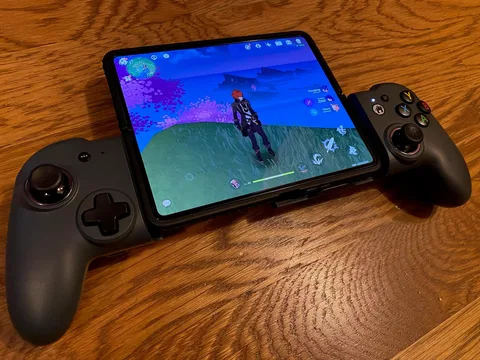
With the Backbone One for iPhone, you can transform your phone into the ultimate gaming console. Snap in your phone and play any game or service that supports controllers, including Xbox Game Pass Ultimate, or even stream directly from your Xbox, PlayStation, or PC. No charging, no waiting for updates, no tedious setup. Uncover a new world of premium gaming in seconds.
Grip, buttons and thumbstick comfort
I love that it has a rigid back plate supporting both sides of the controller. It is why I went for this one instead of the Razer Kishi which, by the looks of it, wobbles in certain use cases.
The layout of this controller is quite good. The buttons feel great, triggers are comfortable. The size of the controller is a bit of a hit-or-miss. My hands are not particularly big but I did find it rather difficult if not painful to get used to holding them. I play with an Xbox Series Controller for the most part on my Mac and have been playing with an Xbox360 controller for over a decade before that.
The original Lightning model
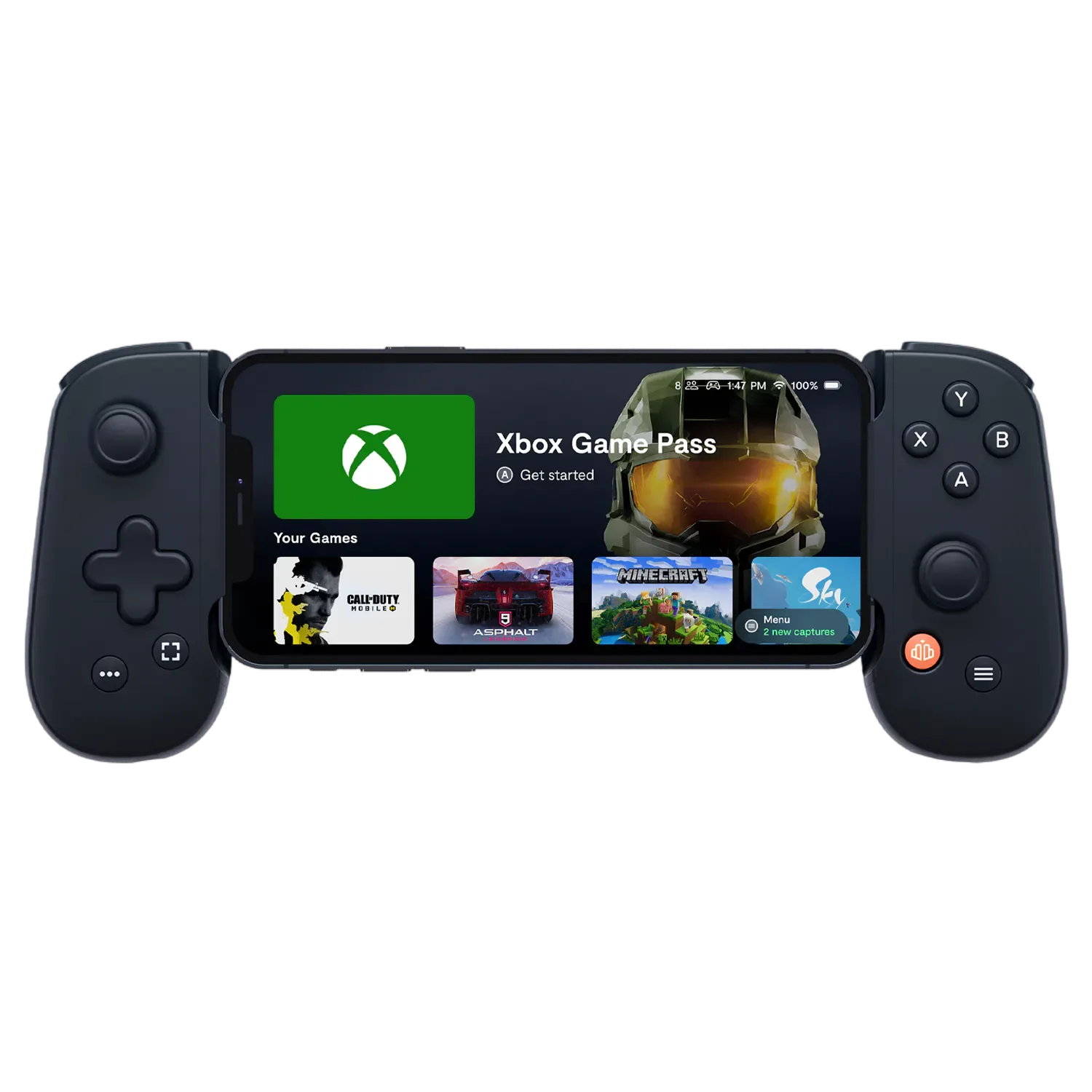
The backbone one definitely feels a tad small in comparison which is especially noticeable with the Right analogue stick. Because the stick is quite close to the edge of the hand grip, it forces me to bend my thumb just so I can control it. Took me about a week of getting used to and now I feel fine using it but keep in mind that the experience may be so uncomfortable that it will hurt.
The analogue sticks have very little travel to them in comparison to an Xbox controller. Only a bit more than the PSP had back in the day. Also, less resistance than a PSP so it can feel quite sensitive at first which, again, takes time to get used to. they are rubberised which is nice and my thumbs do not feel like they are going to slip.
GeForce NOW on the original iPhone XS
I've been using it with GeForce NOW mainly and my experience has been great. The best part about the controller is just how easy it is to put on and off my phone. I use an iPhone XS and it fits perfectly. I thought it would take up more space in my backpack than a Razor Kishi would but to my surprise, it is quite compact.
Overall, I do recommend the Backbone One for iPhone. Just know that there will be an adjustment period if your hands fit a Large glove or larger and especially if you are used to an Xbox controller on top of that.
Lightning versus USB-C: which iPhones work?
The specific controller in this original November 2022 account was used with an iPhone XS and a Lightning connector. It is not a USB-C controller and will not plug directly into an iPhone 15 or newer USB-C model. Backbone's current product guide distinguishes Lightning and USB-C versions, and newer second-generation models have different case-fitting adapters. Don't assume the older device tested here has those updates. You can also read our USB-C Backbone One Android review to compare the earlier connector options.
Historical review: The original reviewer described a week of thumbstick discomfort before getting used to the layout. That useful limitation and the original 10/10 score are unchanged; this note does not claim anyone tested today's updated hardware.
KEEP EXPLORING
This article was originally published on 12 Nov 2022. Last updated on 15 Nov 2026. Product specifications, prices and availability may have changed. We sometimes receive review products and may earn commission through affiliate links. We are not obliged to publish a positive review. How we review and disclose partnerships.